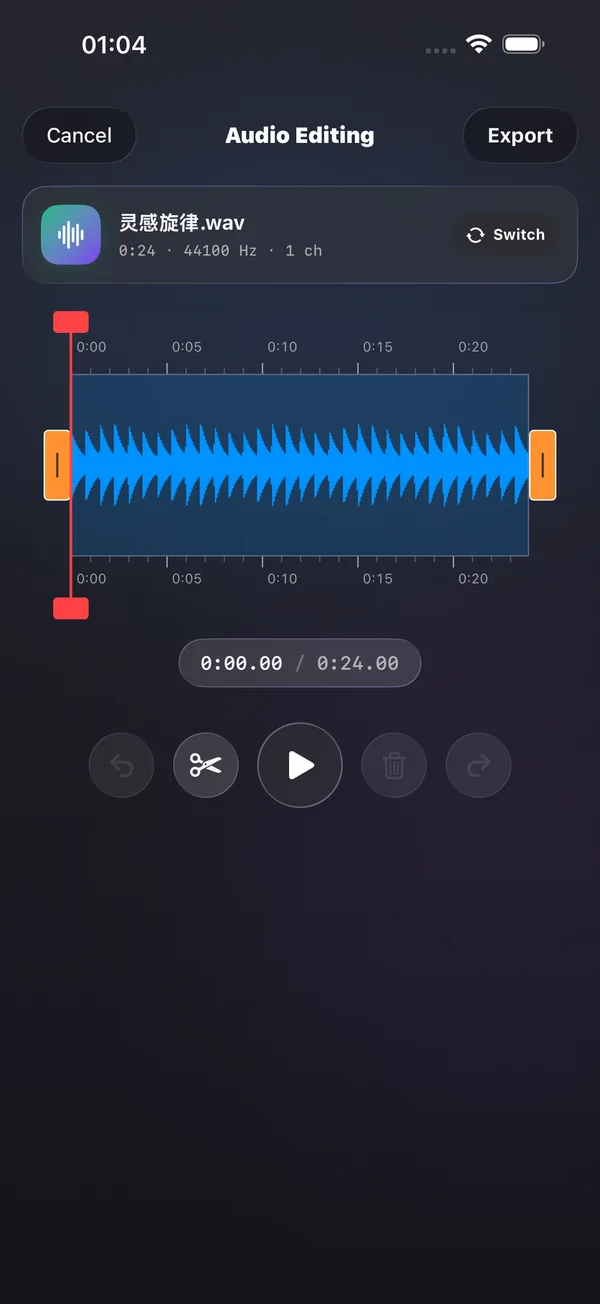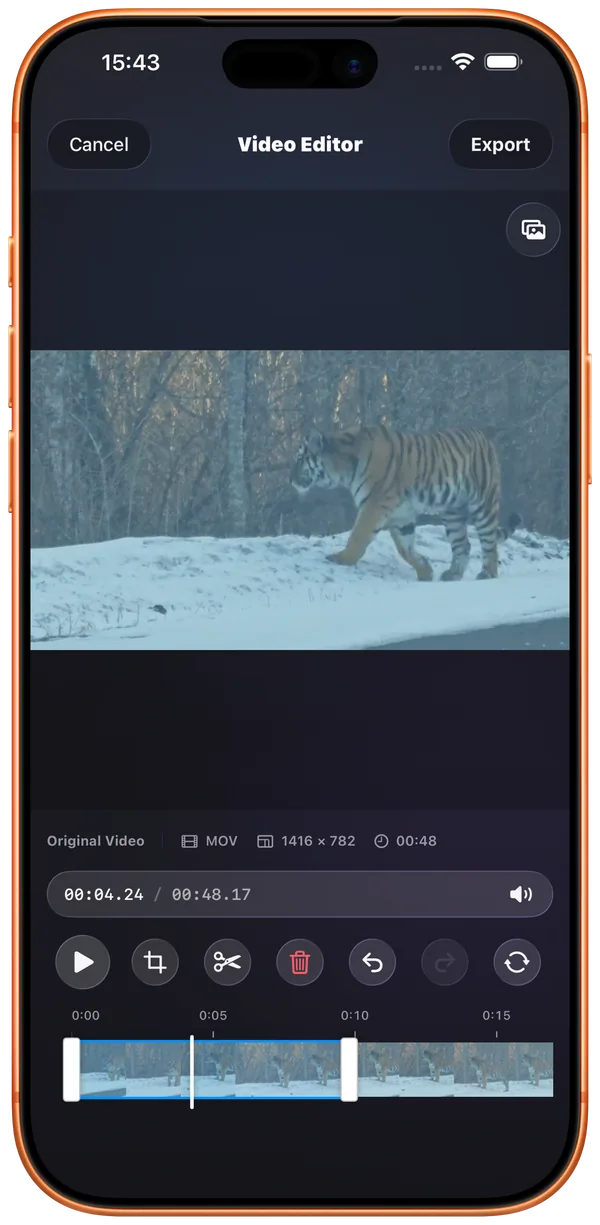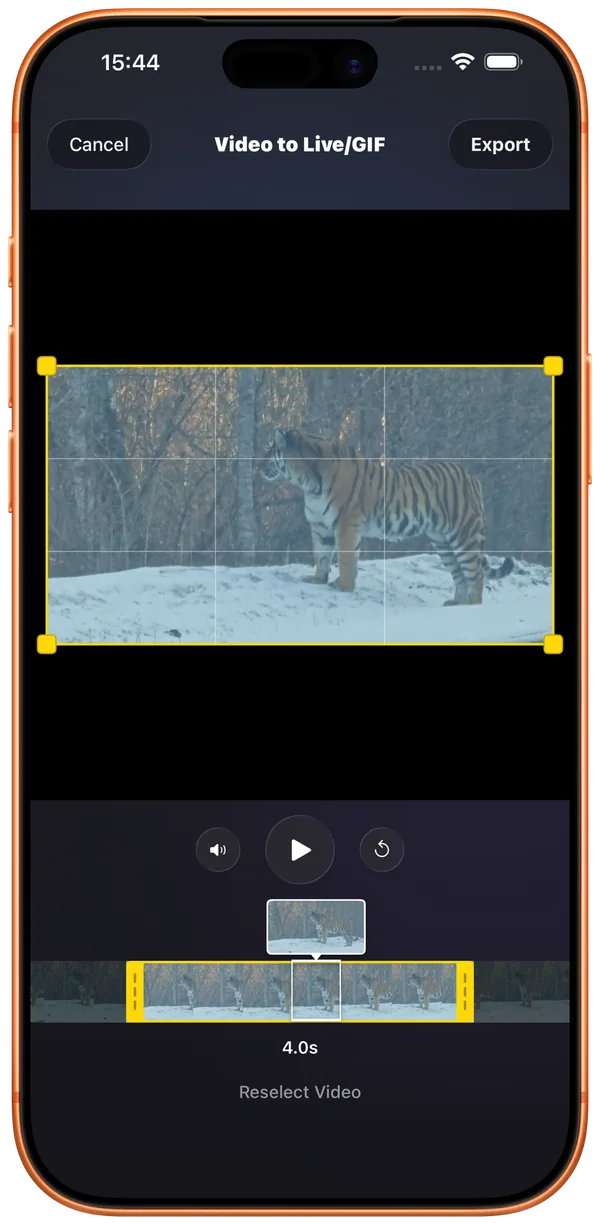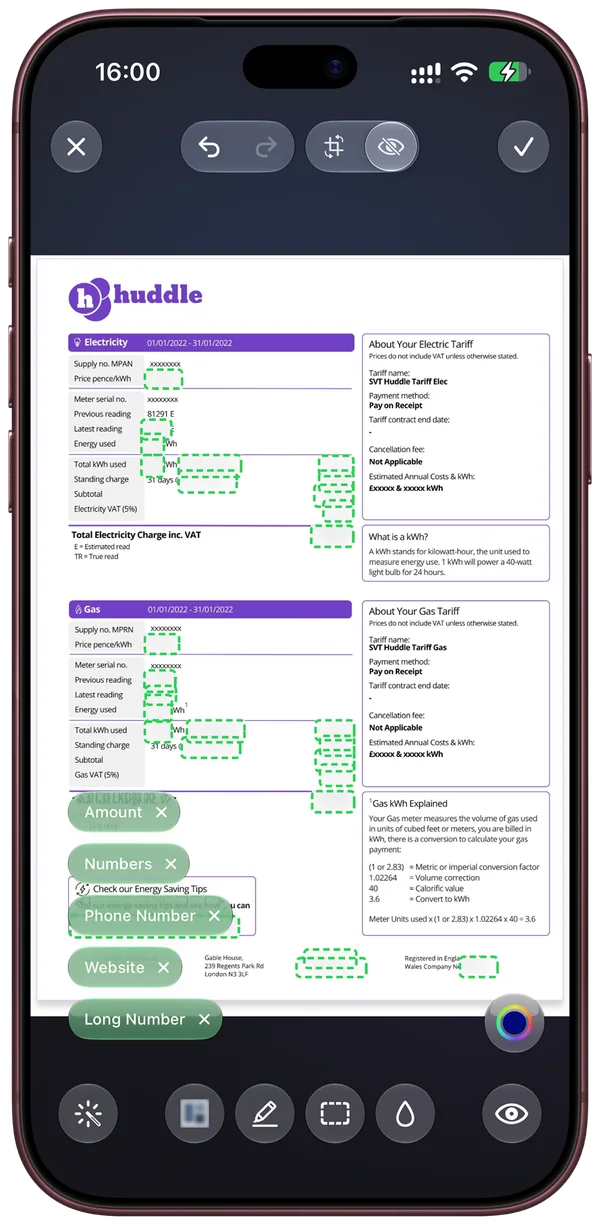

Image, audio and video toolsTrim. Redact.
Trim. Redact.
Stay in one app.
Edit audio and video, turn clips into Live Photos or GIFs, and cover sensitive details in your images.
Explore media toolsPhotos, films, music and books.
Organize, read, play and edit, all in one place.
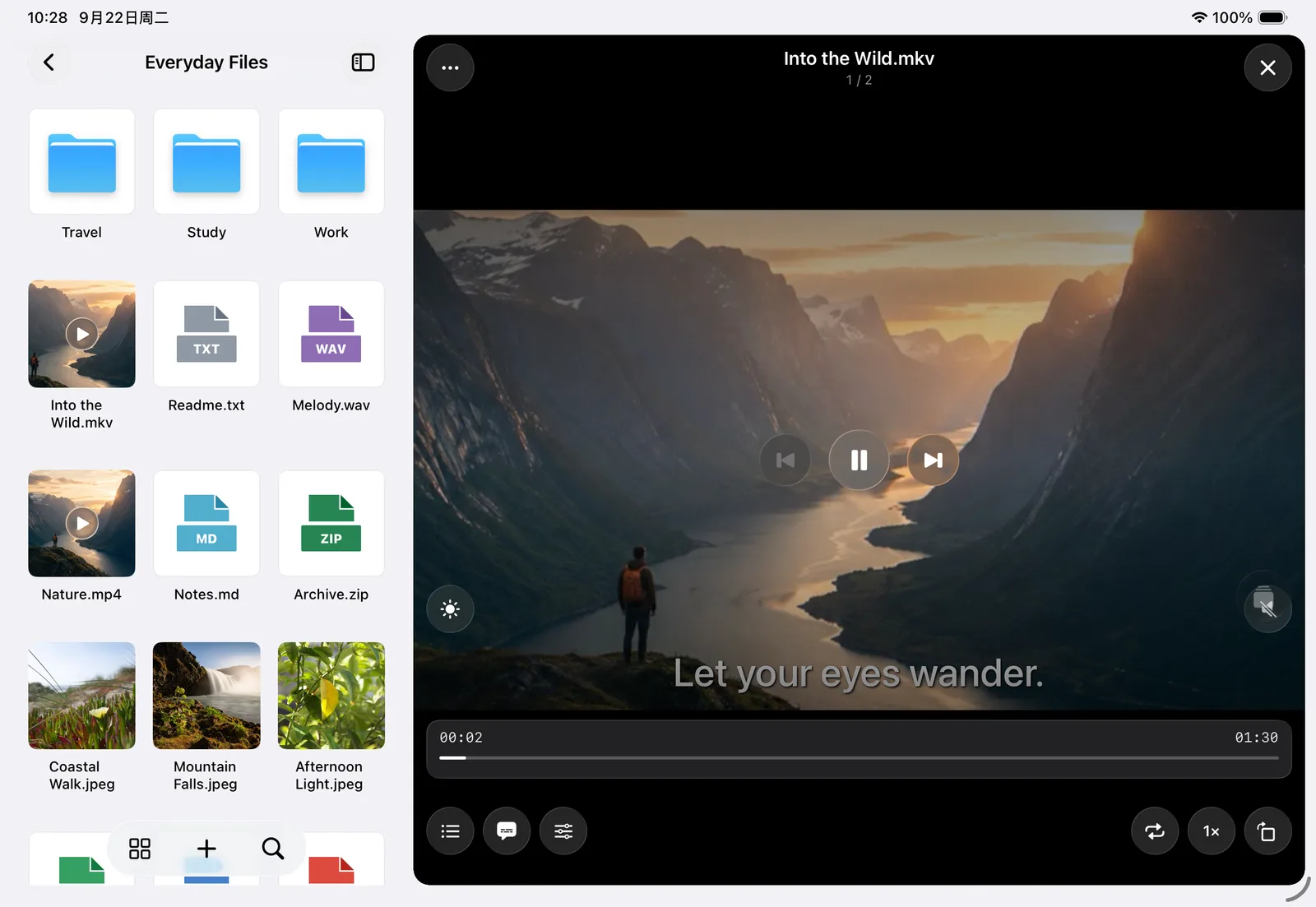
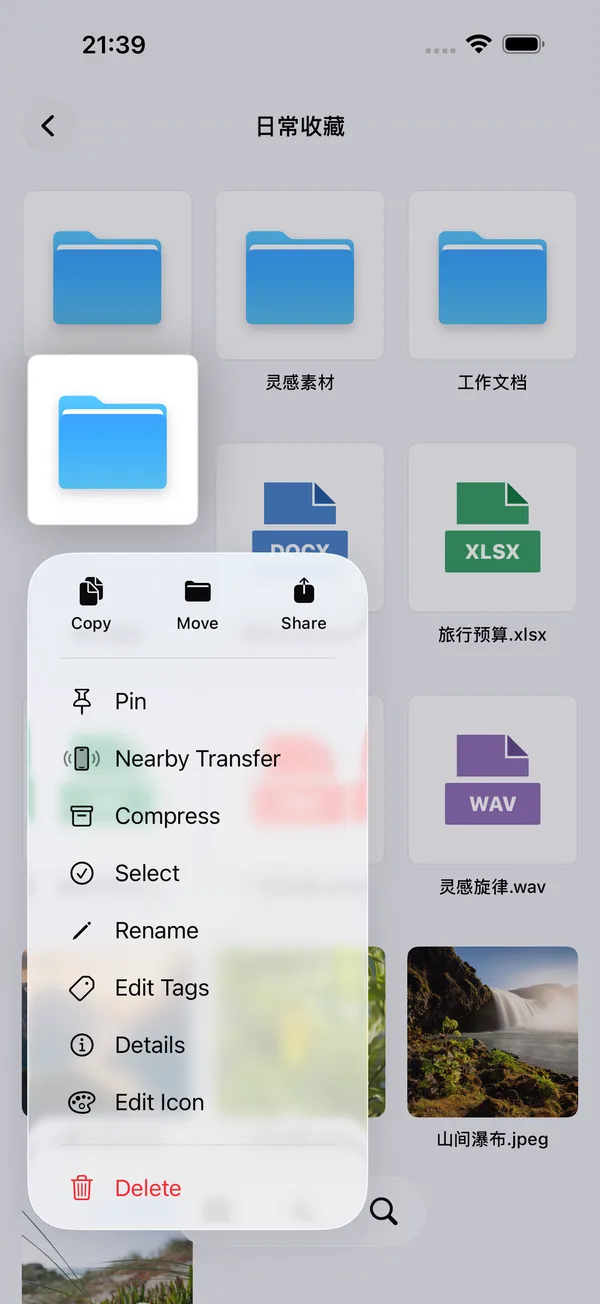
Keep files, photos and ideas in order.
A film, a book, or your favorite song.
Redact images, stitch screenshots and trim audio.
Move files between your phone, tablet and computer.
So much more to do once everything is in order.
Multiple audio tracks, dual subtitles and picture in picture.
Take your favorite films with you.
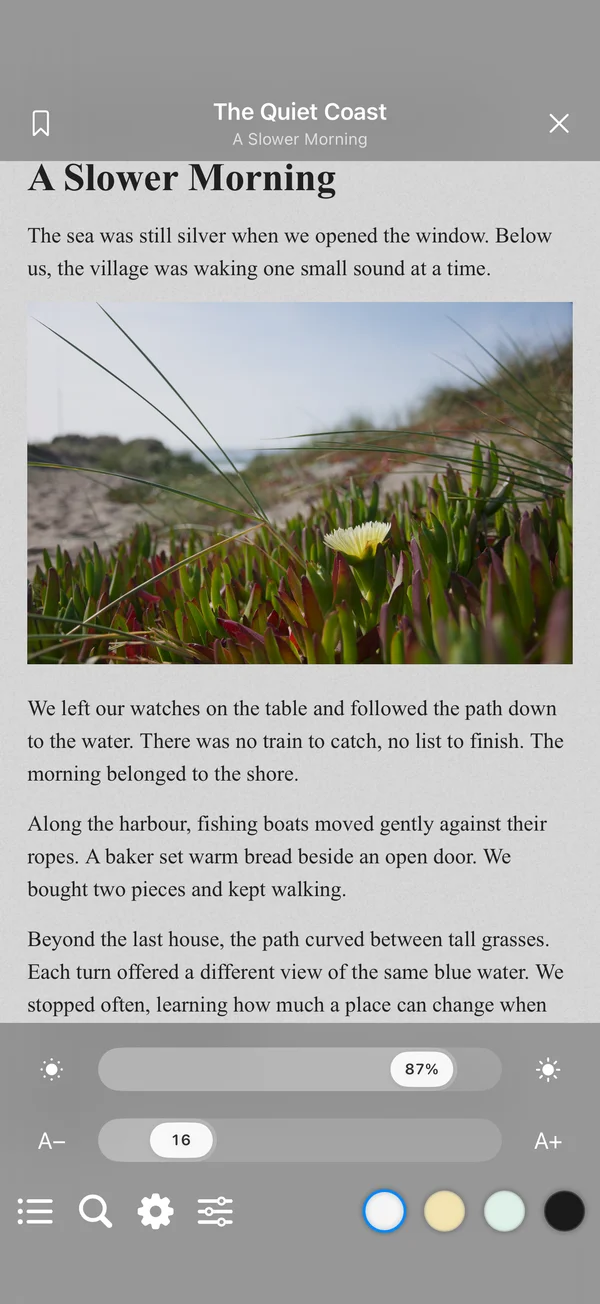
EPUB, TXT and PDF.
Contents, bookmarks and themes, just the way you like.
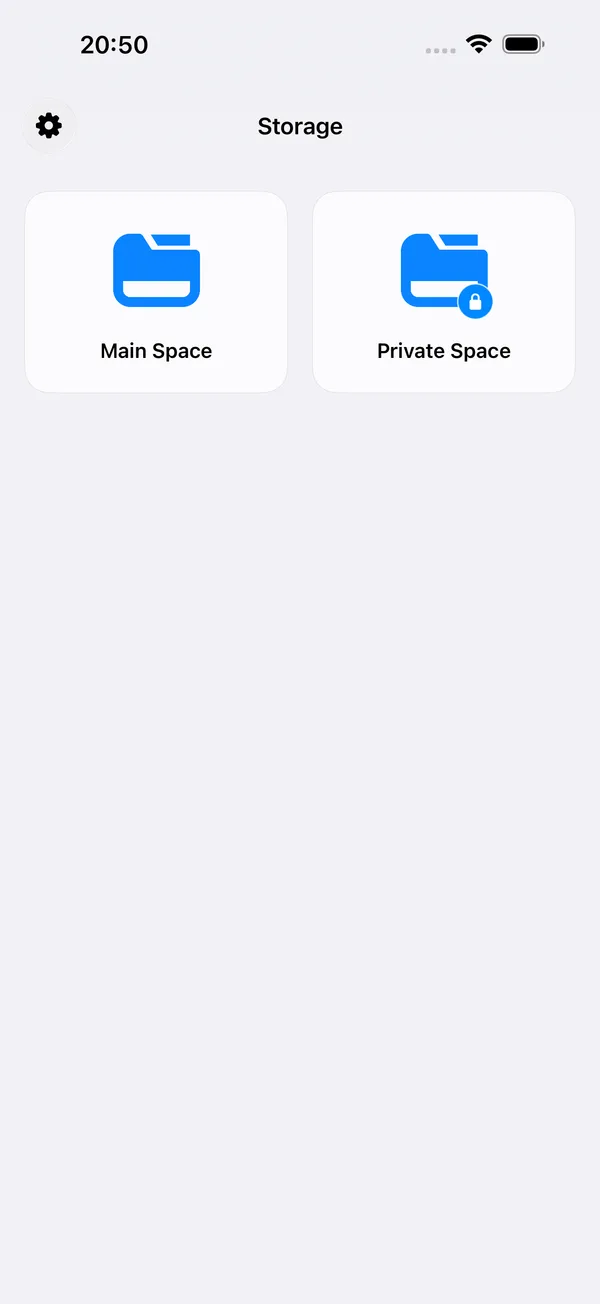
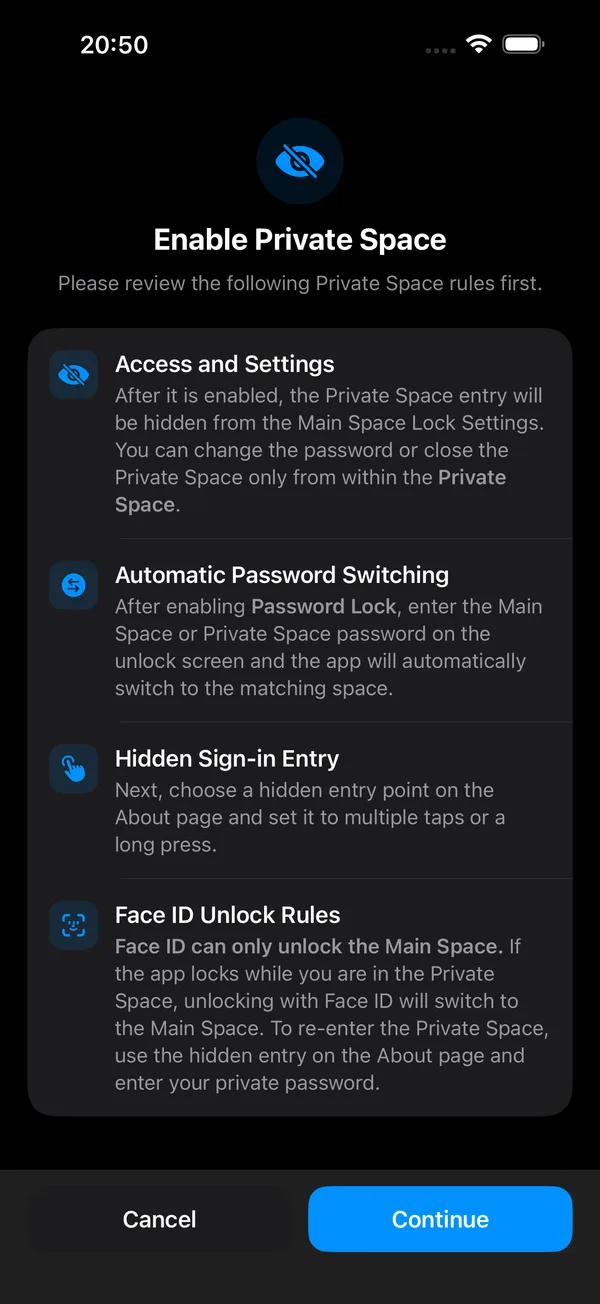
Keep personal content in a separate space, with its own passcode.
Organize private content separately from your main space.
With passcode locking enabled, enter a space’s passcode to switch to it.
Choose a multiple-tap or long-press entry on the About page.
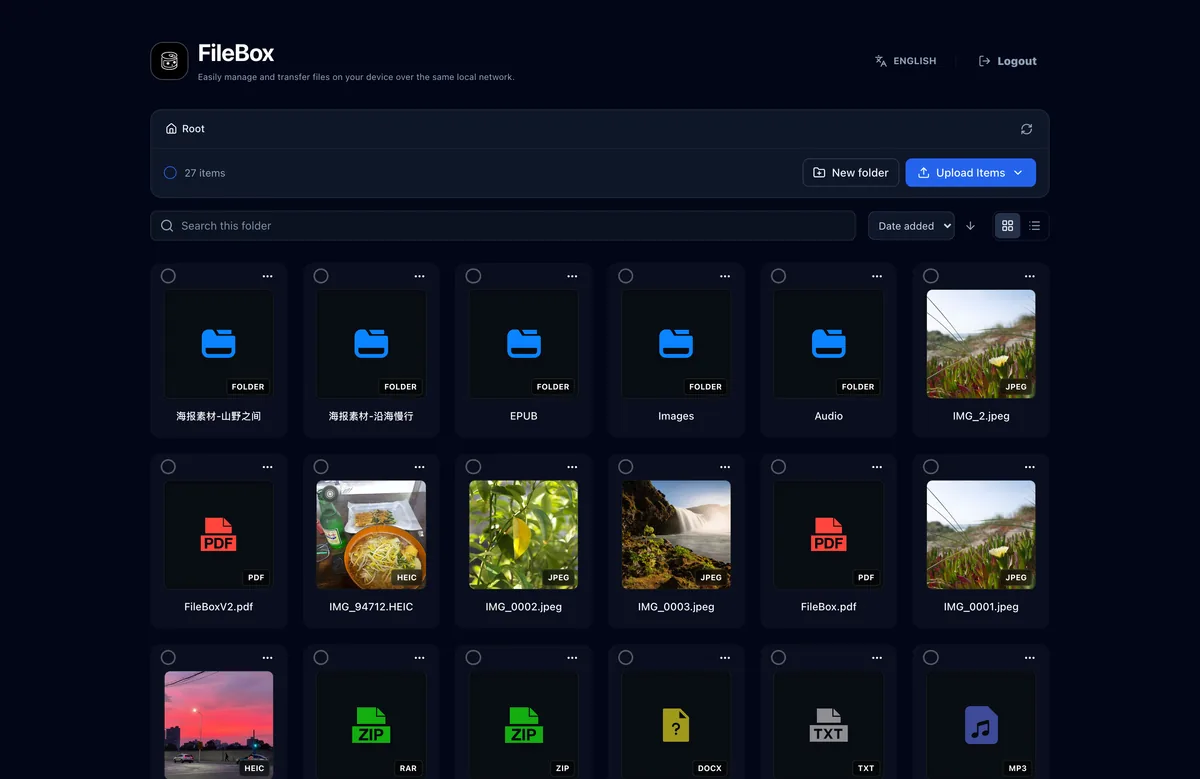
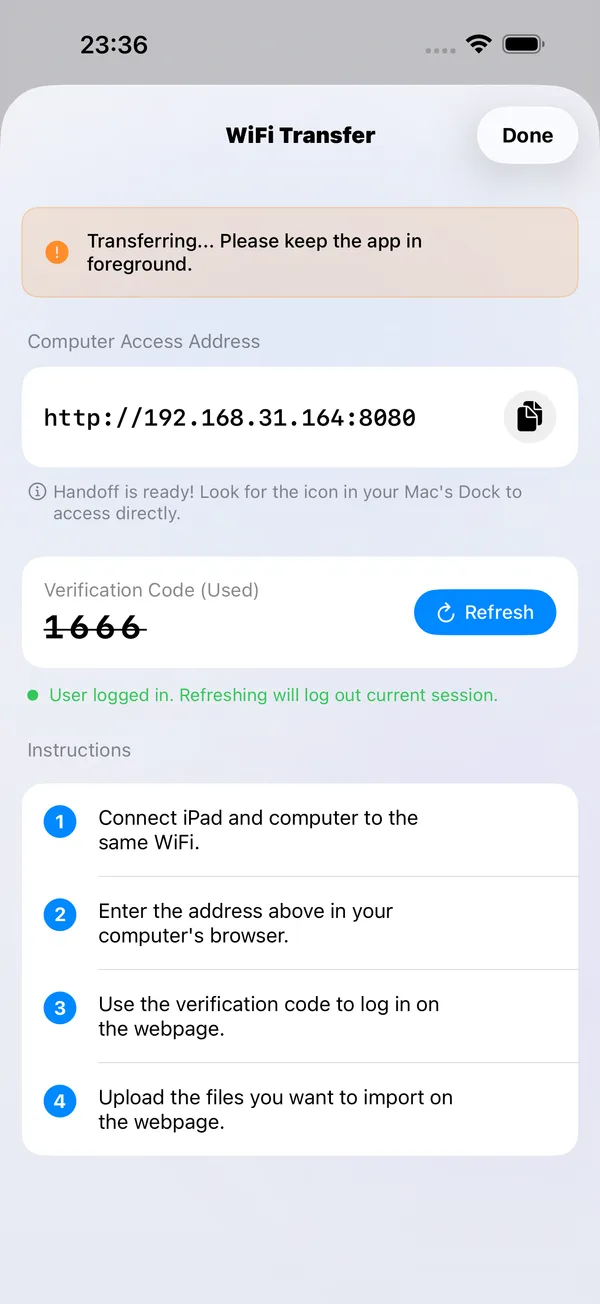
On the same Wi-Fi network, open the address in your computer’s browser and enter the verification code to upload, download and manage files.
From quick recordings to creative projects, your everyday tools are here.
Turn webpages, multiple images or screen recordings into long screenshots.
Explore long screenshots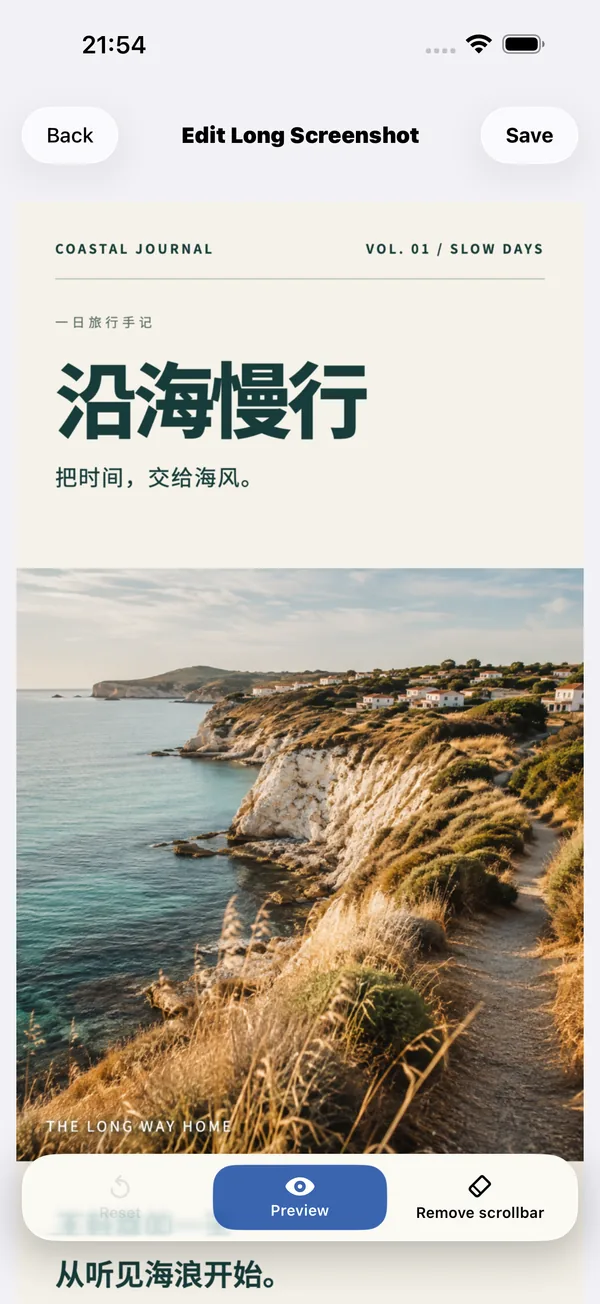
Record on your watch, then transfer to iPhone and organize by date.
Explore watch recording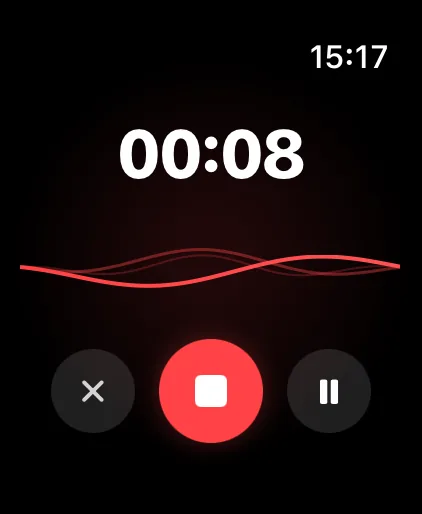
Edit audio and video, turn clips into Live Photos or GIFs, and cover sensitive details in your images.
Explore media toolsGive videos, music and books their own windows, with a workspace that adapts as you resize.
Explore the iPad workspace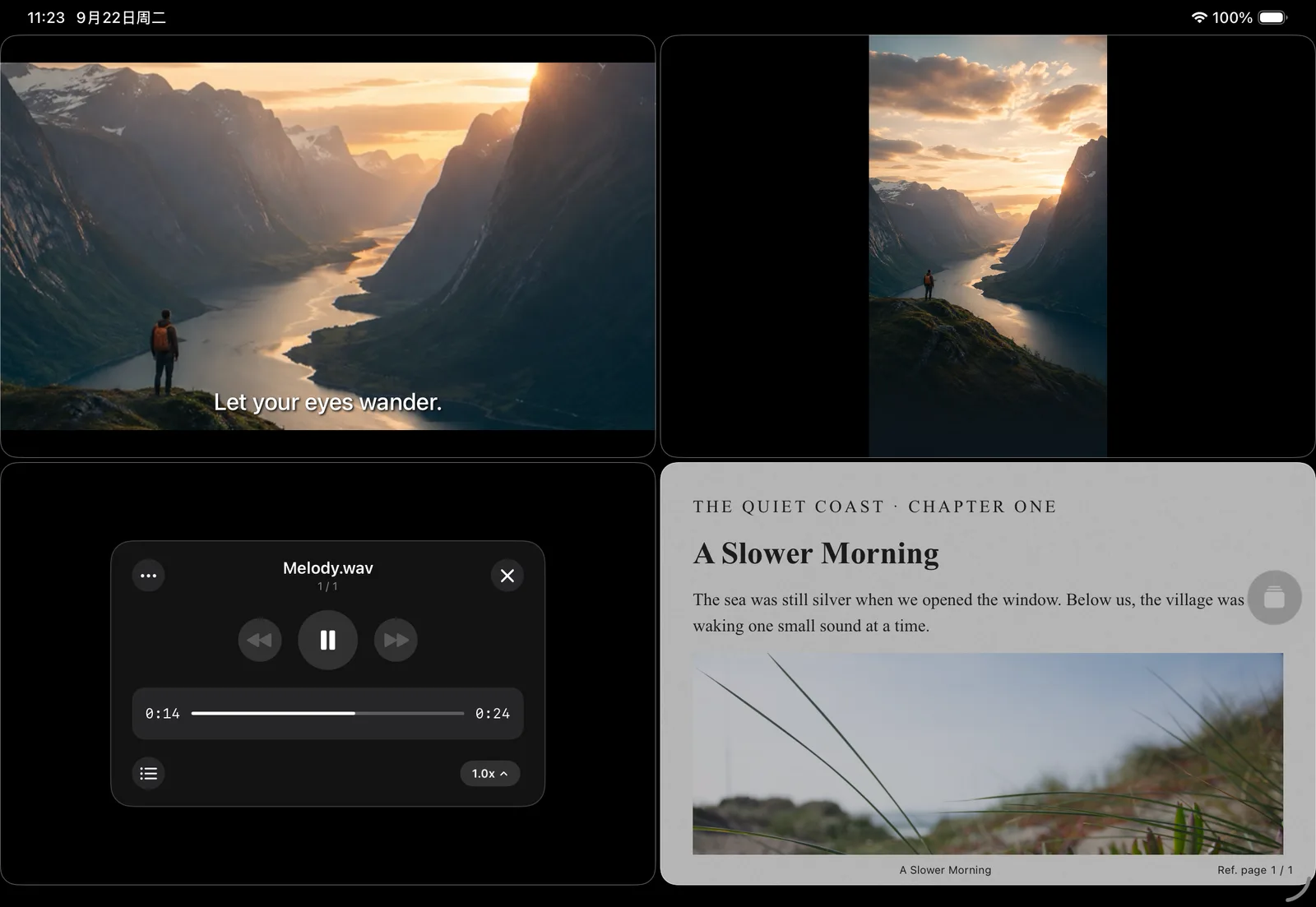
Useful little features, tucked into everyday actions.
Detect common sensitive information on your device and hide names, phone numbers or faces before sharing.
Capture a webpage's scrolling content as one long image.
Select a segment of a scrolling screen recording and generate a readable long screenshot.
Organize song artwork, information and lyrics to keep your music in order.
Keep files apart in a separate space with its own passcode.
Browse files while playing or reading, with a place for each task.


Store files locally and lock the app with Face ID or a passcode.
A separate private space for the things you want to keep apart.
iPhone · iPad · Apple Watch