
Audio and video toolsConvert. Edit.
Convert. Edit.
Stay in one app.
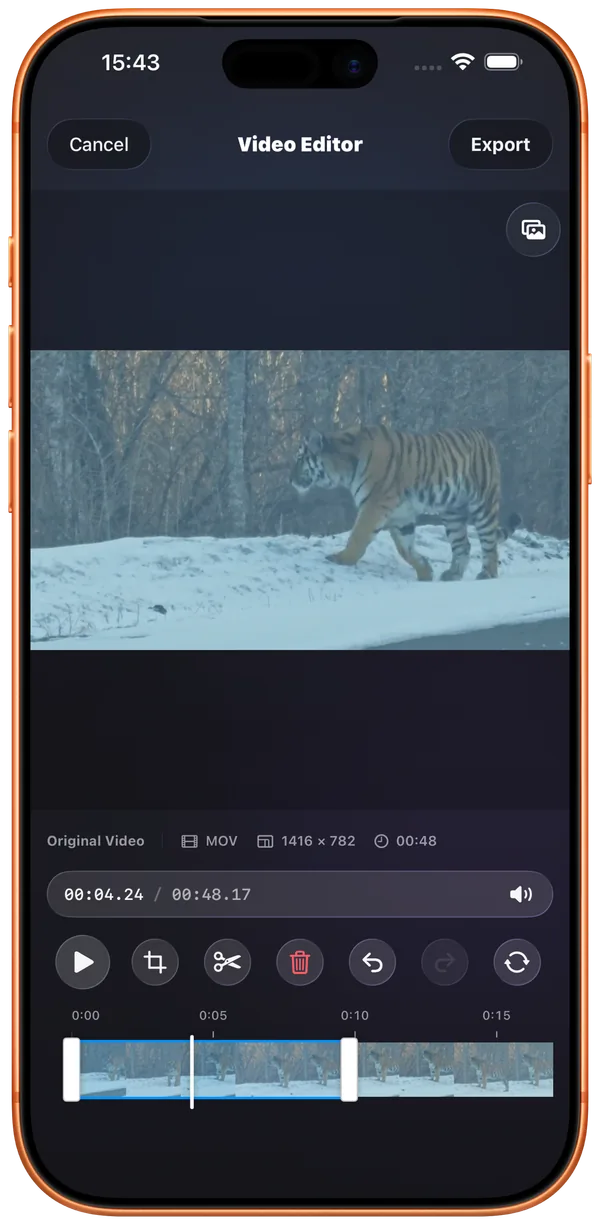
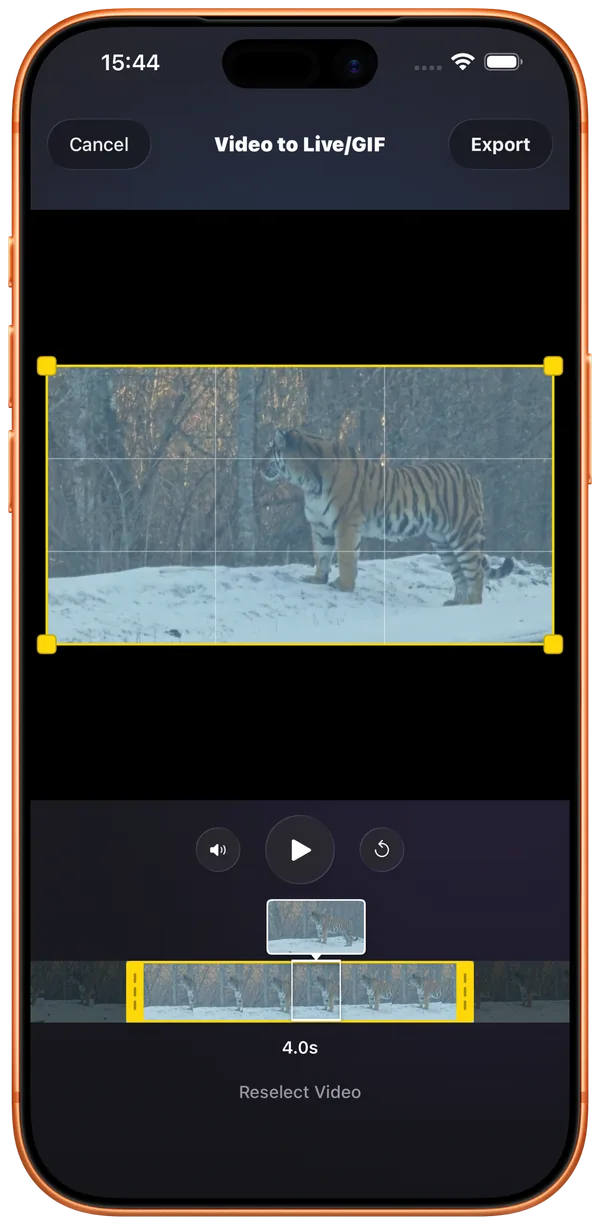
Edit audio and video, then turn your favorite clips into Live Photos or GIFs.
Explore media toolsPhotos, films, music and books.
Import into FileBox, or open system folders directly.
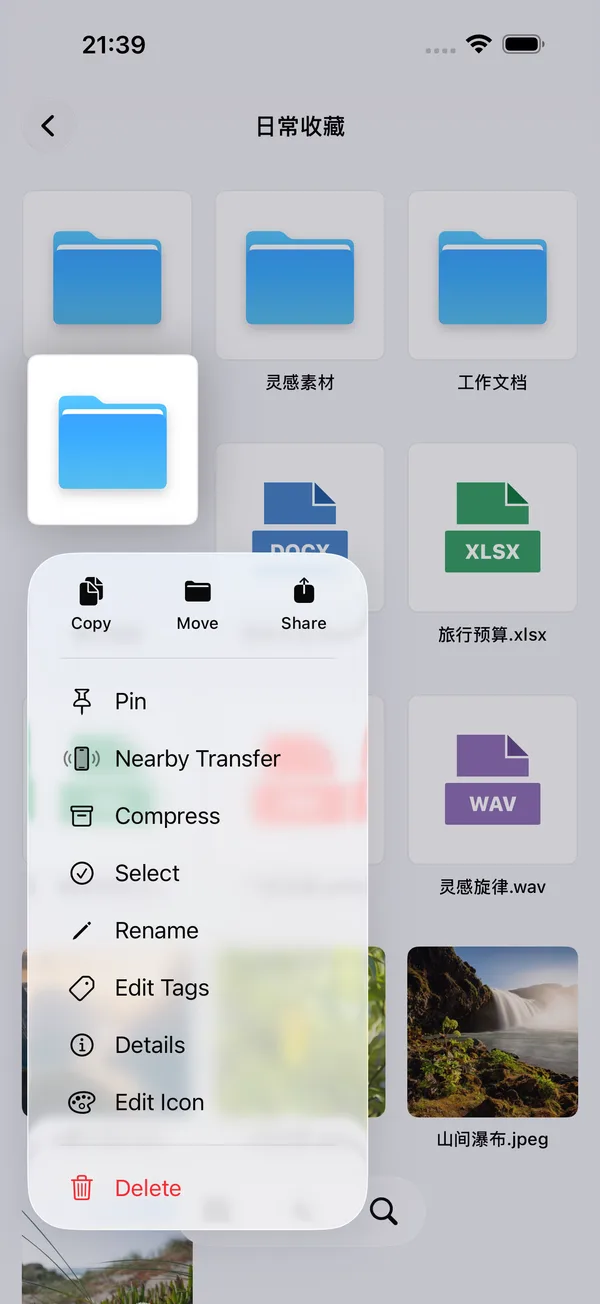
Keep files, photos and ideas in order.
A film, a book, or your favorite song.
Redact images, stitch screenshots and trim audio.
Move files between your phone, tablet and computer.
Authorize local or iCloud Drive folders to browse, play and organize originals. Download cloud files as needed and choose authorized folders for tool inputs and exports.
Explore system foldersChoose where your files live
Import into FileBox and keep things together
Authorize a folder and open originals in place
Authorize cloud folders, download and process as needed
Keep files separate with a dedicated passcode
Browse, play, read and organize. Your way.
So much more to do once everything is in order.
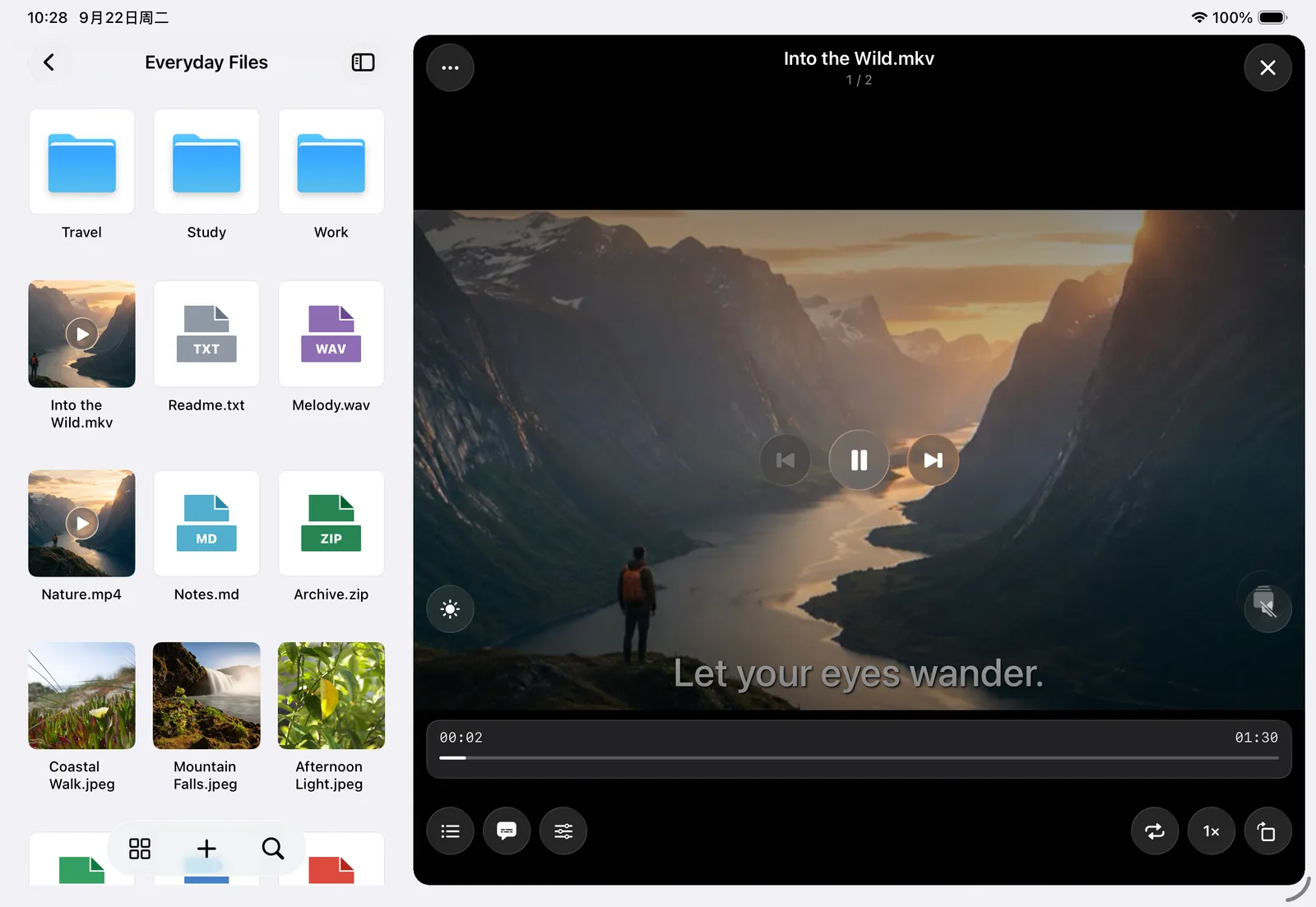
Multiple audio tracks, dual subtitles and picture in picture.
Take your favorite films with you.
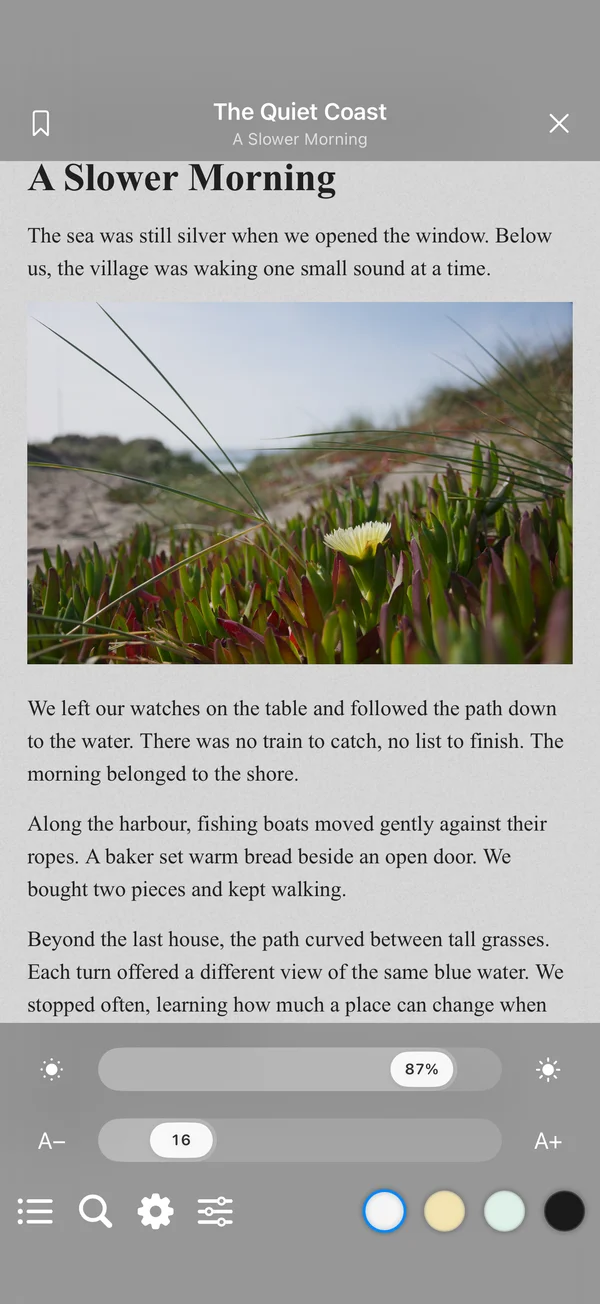
EPUB, TXT and PDF.
Contents, bookmarks and themes, just the way you like.
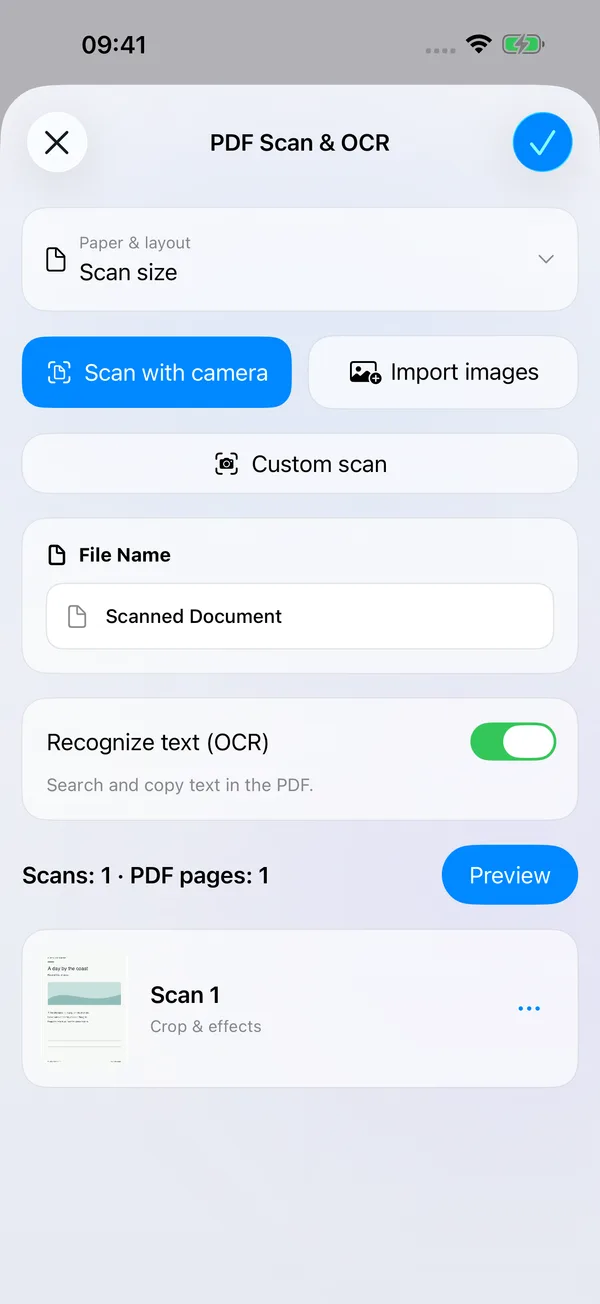
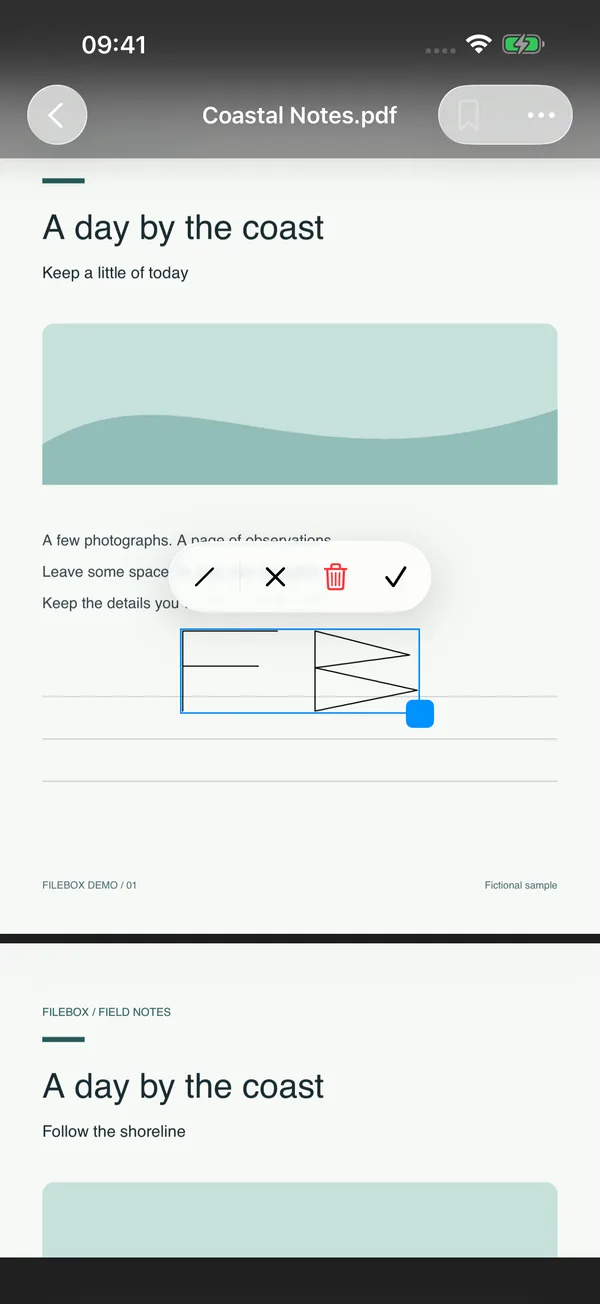
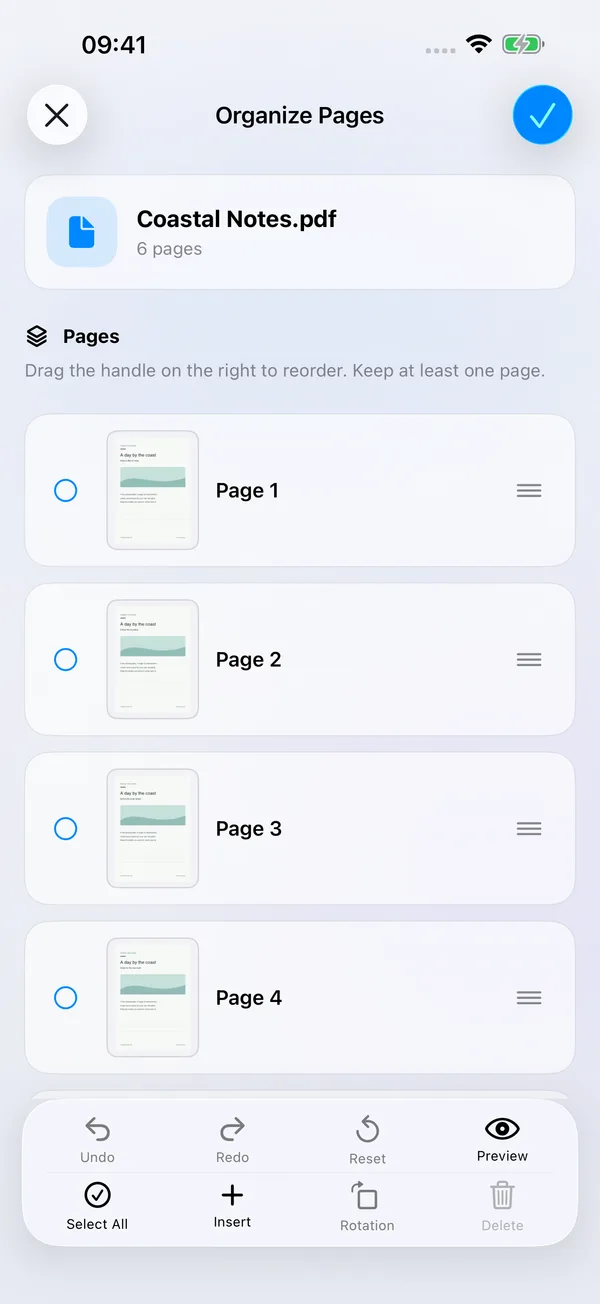
Scan a page, mark what matters and put the pages in order. Read and work with PDFs in FileBox.
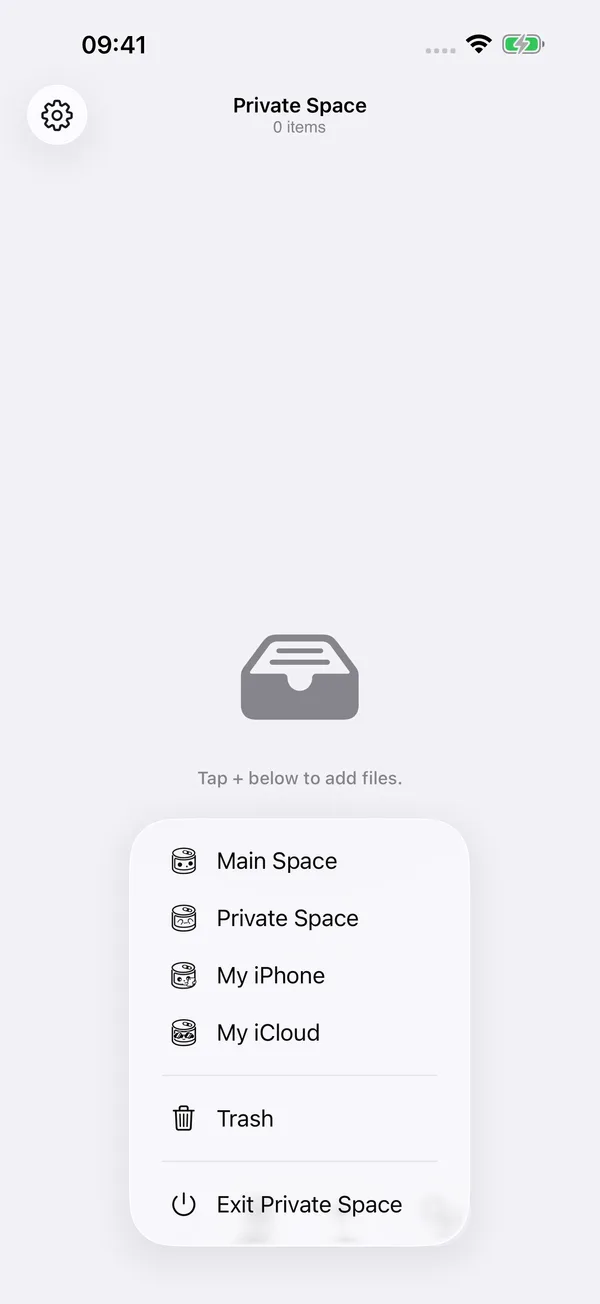
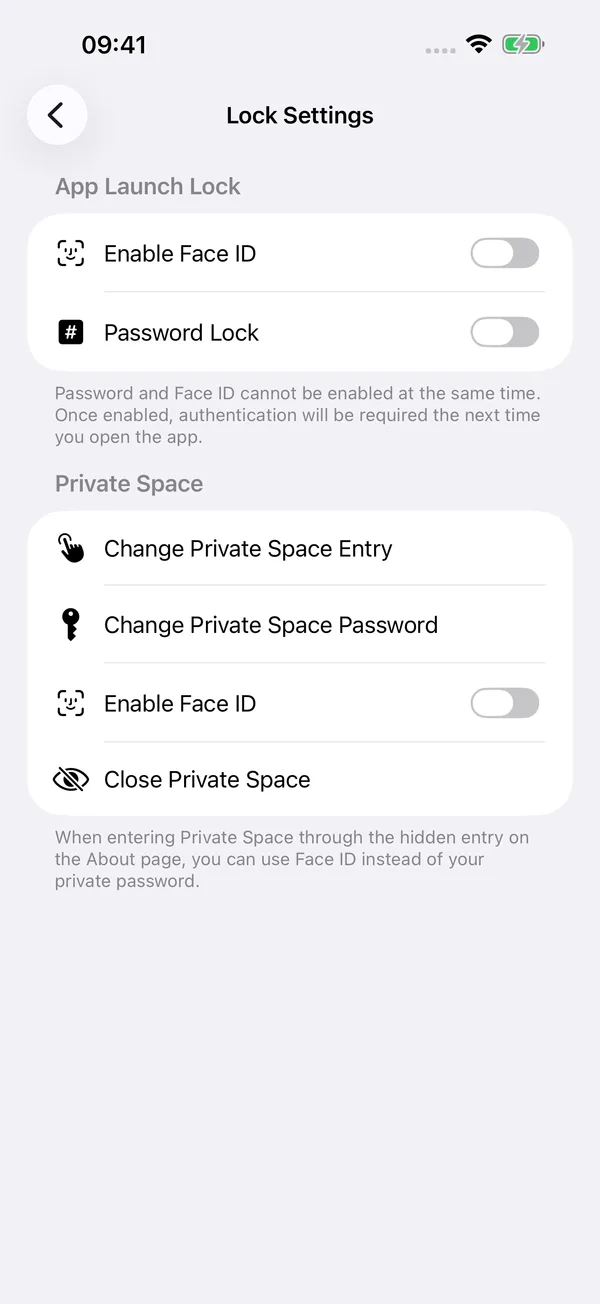
Keep files in a separate space, with a dedicated passcode or separately enabled Face ID or Touch ID.
Organize private content separately from your main space.
Use a dedicated passcode, or enable Face ID or Touch ID separately for your private space.
Choose a multiple-tap or long-press entry on the About page.
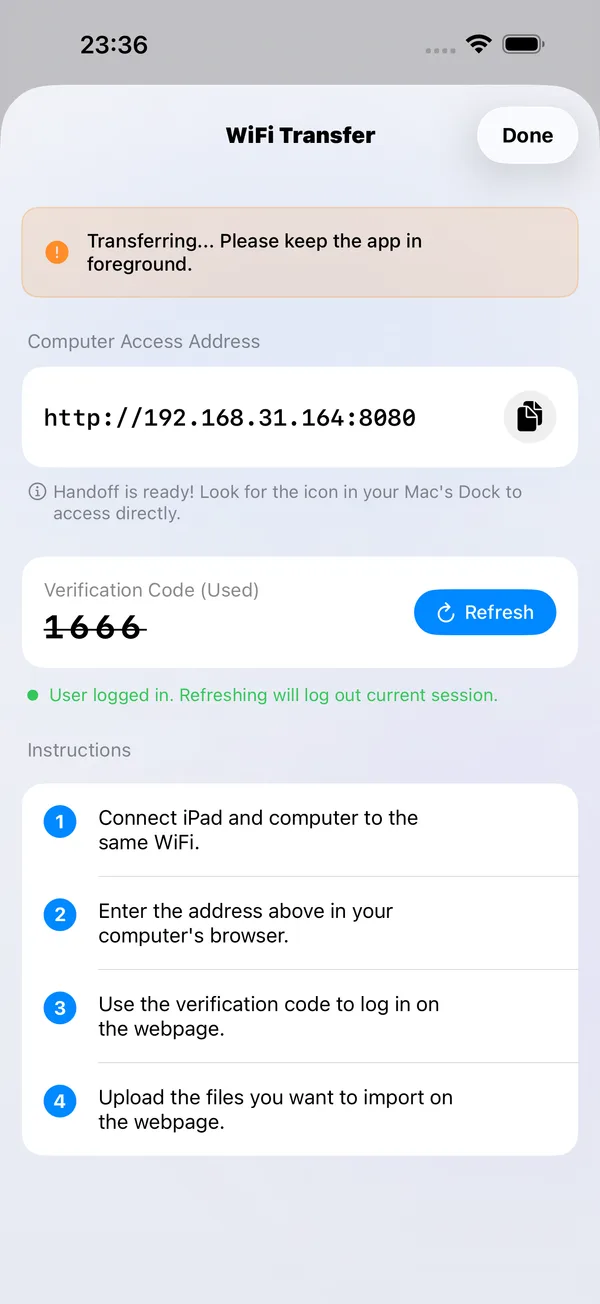
On the same Wi-Fi network, open the address in your computer’s browser and enter the verification code to upload, download and manage files.
Keep organizing on your computer, from FileBox spaces to authorized folders.
Explore Wi-Fi transfer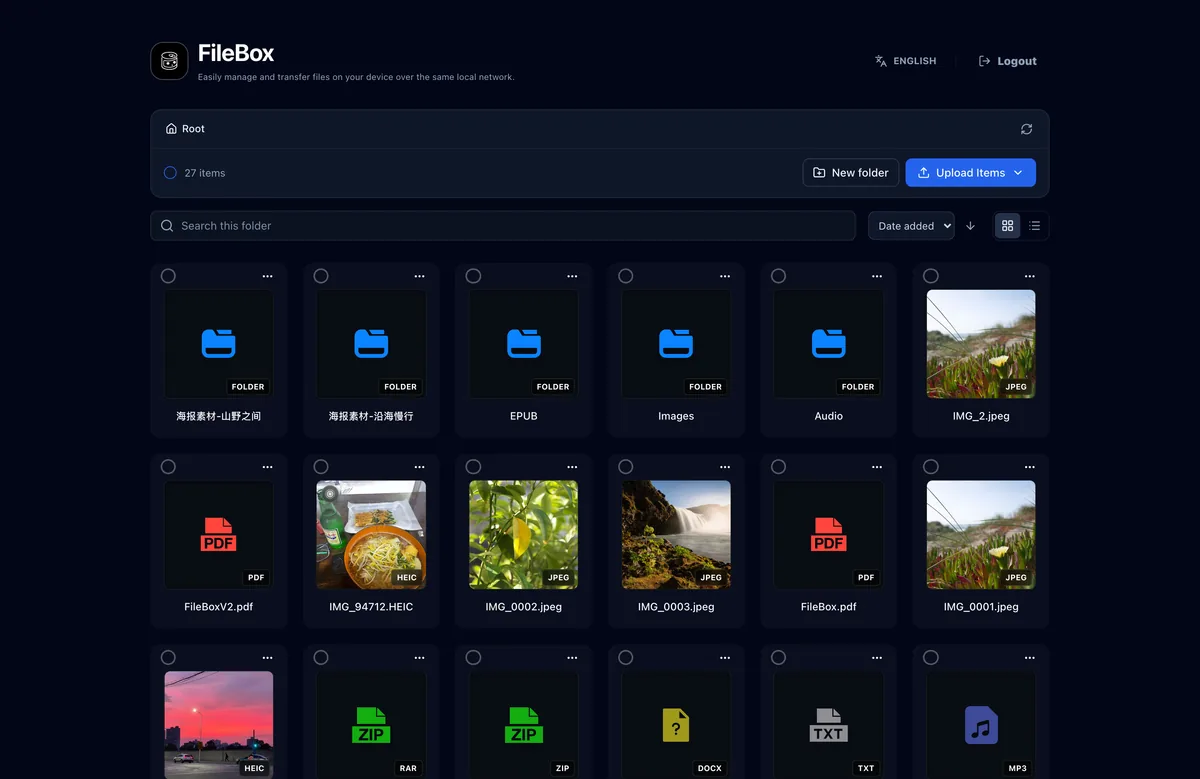
From quick recordings to creative projects, your everyday tools are here.
Turn webpages, multiple images or screen recordings into long screenshots.
Explore long screenshots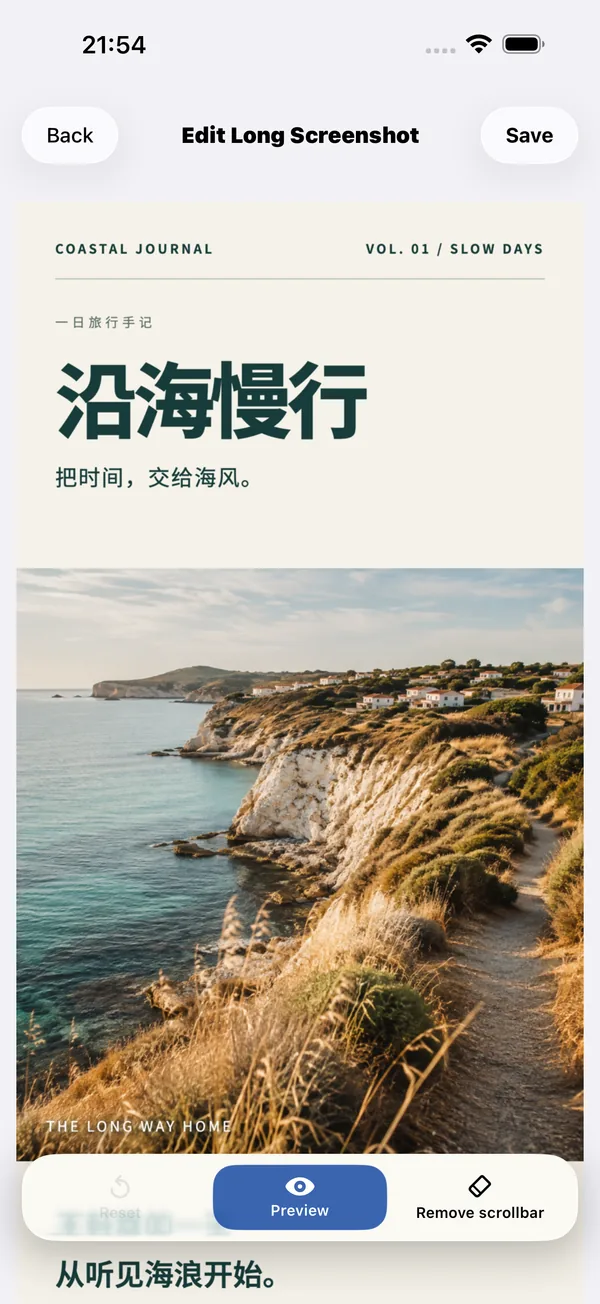
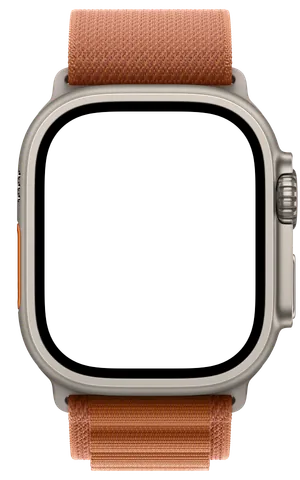
Record on your watch, then transfer to iPhone and organize by date.
Explore watch recording
Edit audio and video, then turn your favorite clips into Live Photos or GIFs.
Explore media toolsGive videos, music and books their own windows, with a workspace that adapts as you resize.
Explore the iPad workspace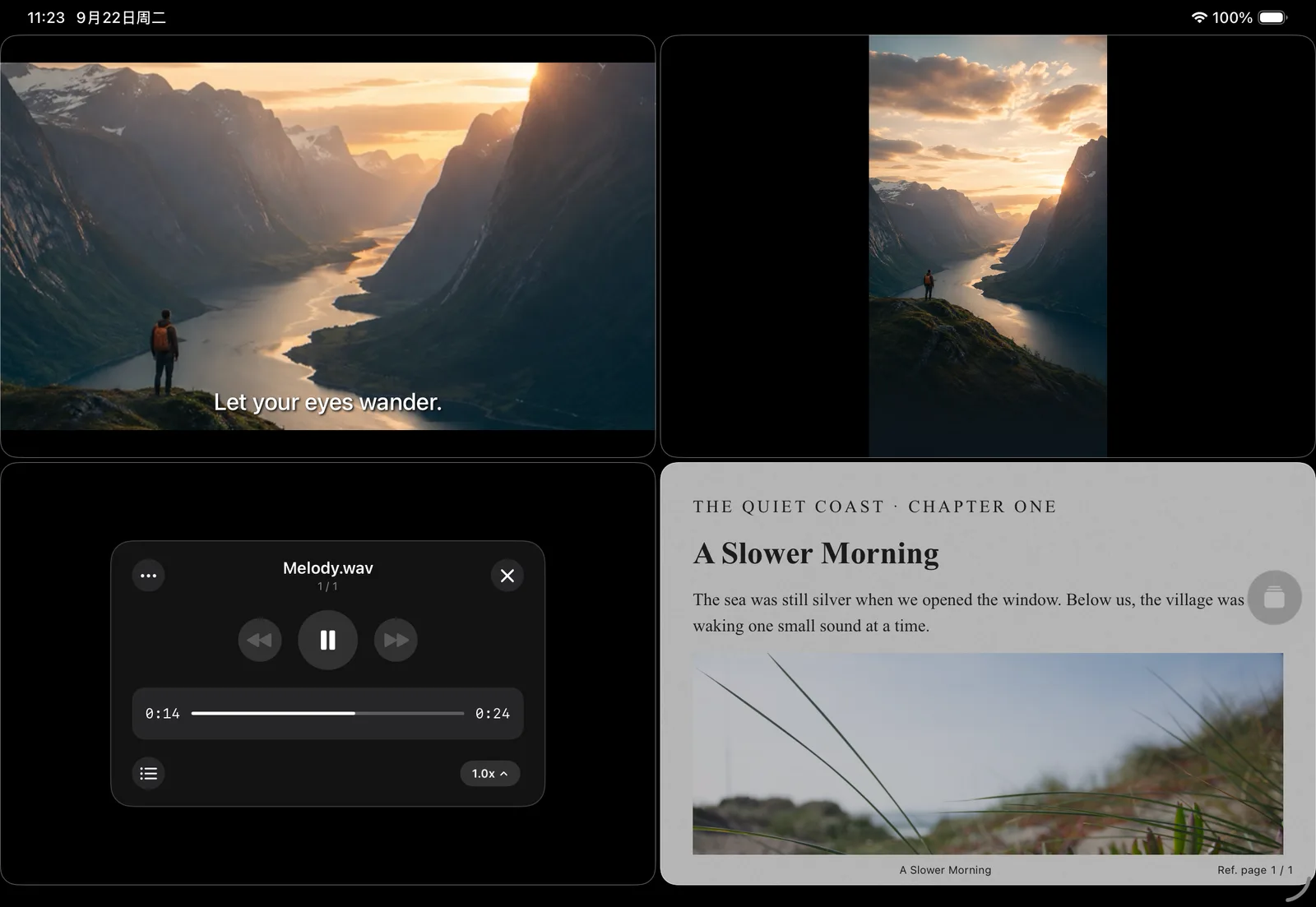
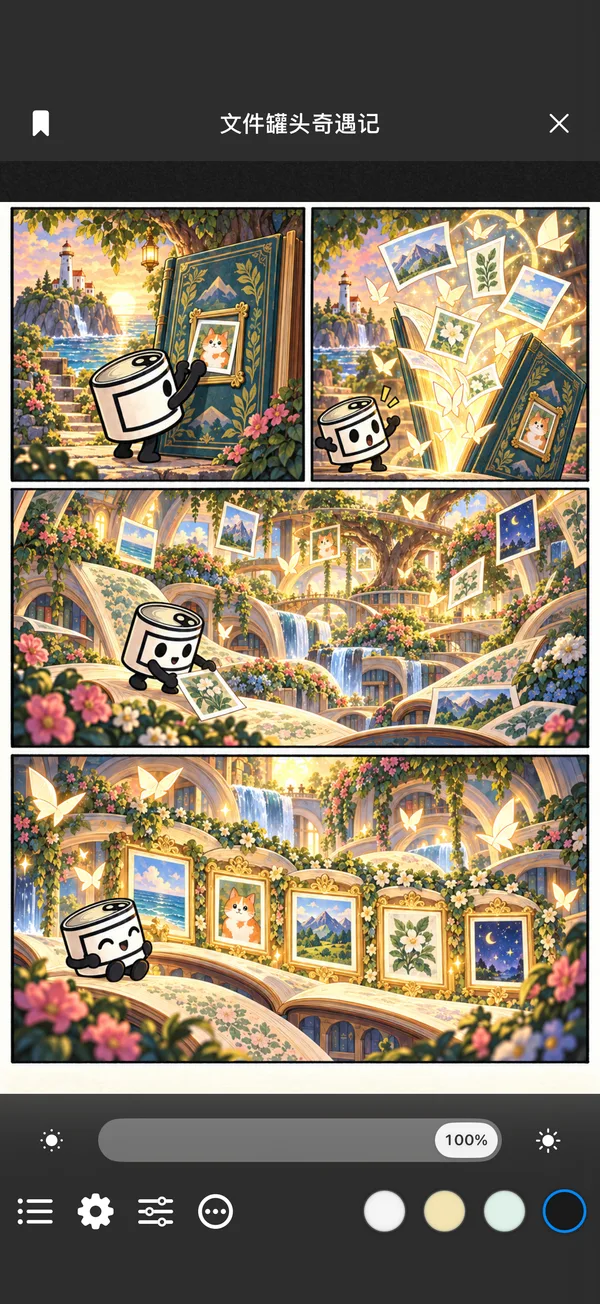
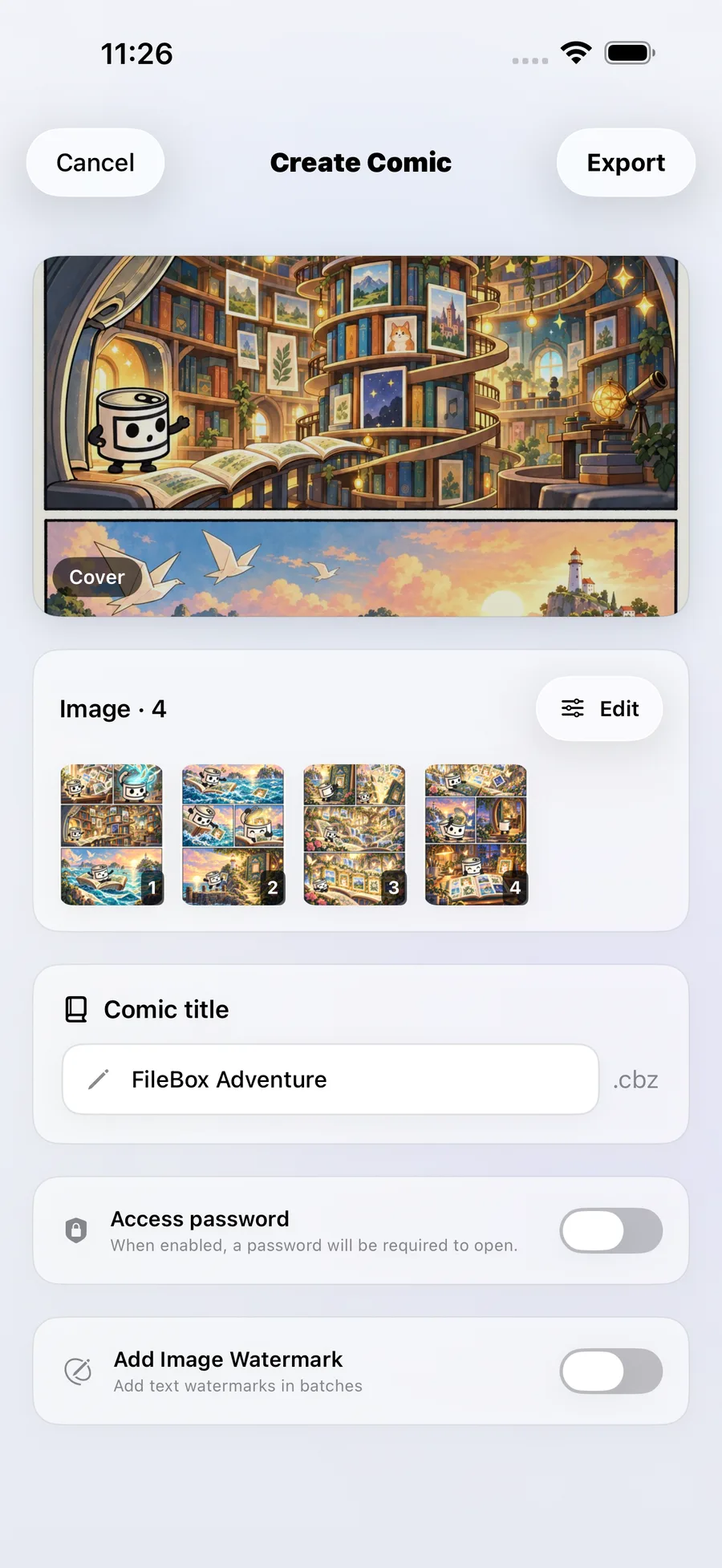
Open a CBZ, CBR or image folder to keep reading. Arrange your own images to make a comic.
Page horizontally, read right to left or scroll vertically. View two pages at once on iPad.
Thumbnails, bookmarks and saved progress make it easy to continue.
Arrange the pages, optionally add a password or text watermark, then export a CBZ.
Detect common sensitive information on your device and redact it as needed. Tap to erase text on solid backgrounds, too.
Choose categories to detect names, phone numbers, emails, faces and more.
Tap detected text to fill it with the surrounding background. Tap again to restore it.
Tap words, draw boxes or brush with rainbow stripes, pixelation, blur and other styles. Check the result before sharing.
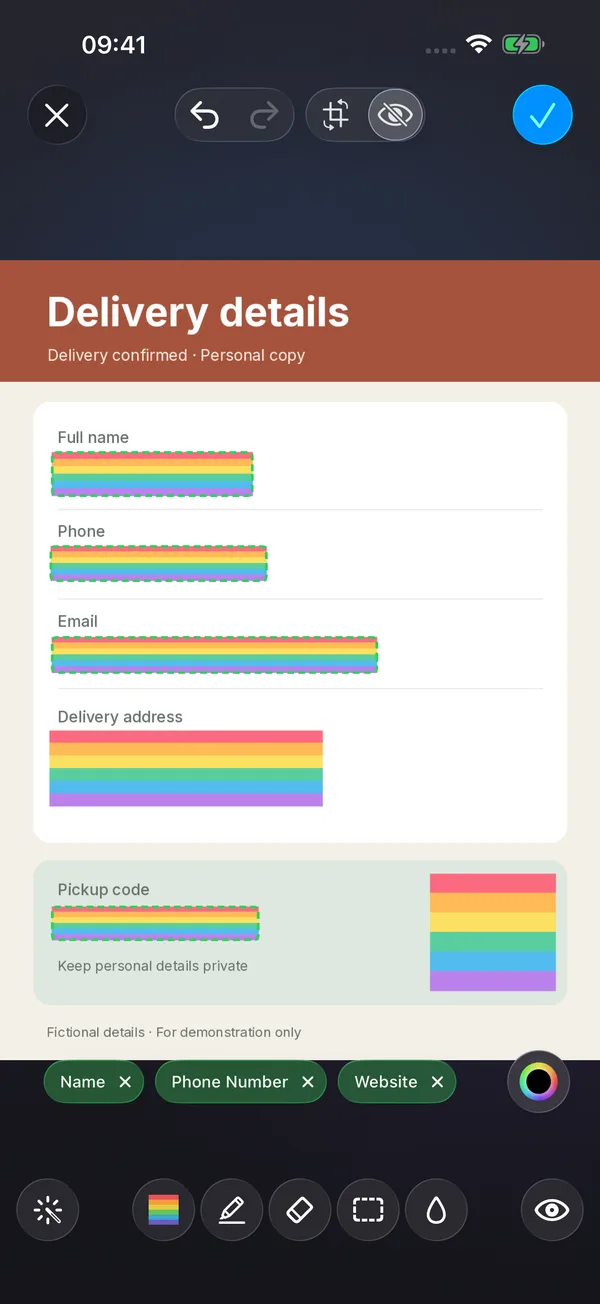
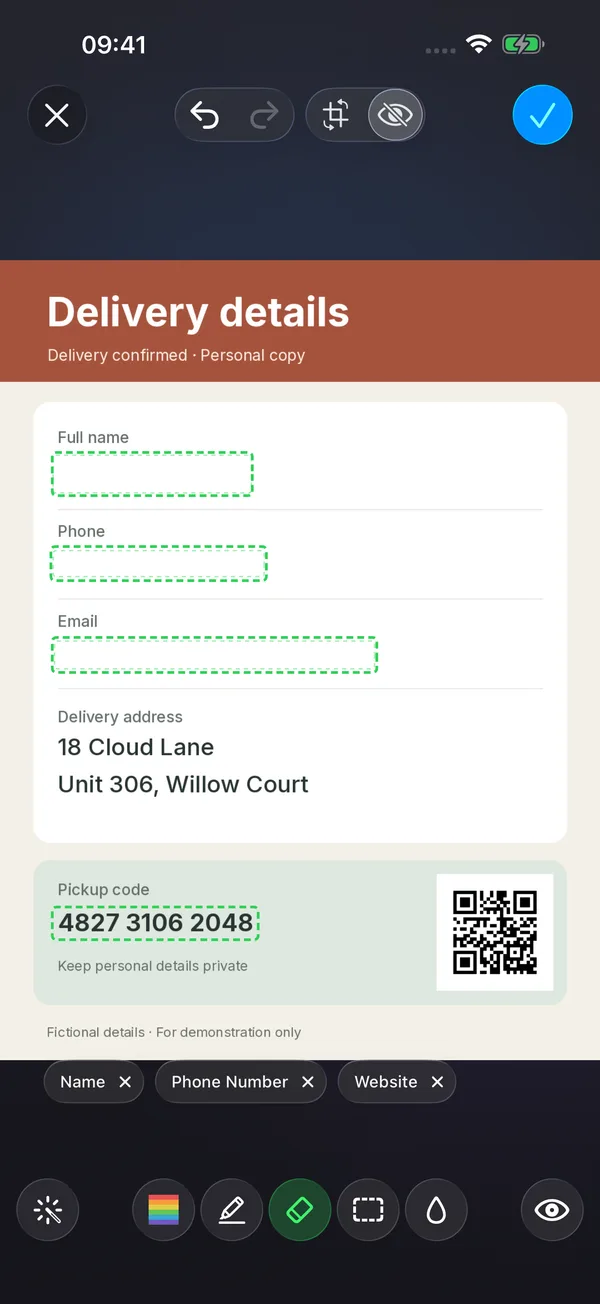
All sample details are fictional. The text eraser works best on solid or nearly solid backgrounds.


















Useful little features, tucked into everyday actions.
Authorize a folder and browse, play and organize its files in My iPhone or My iPad, right where they are.
Authorize iCloud Drive folders to download, read and organize files, choose tool inputs and save results.
Detect and redact sensitive details on your device, or erase text on solid backgrounds.
Capture a webpage's scrolling content as one long image.
Select a segment of a scrolling screen recording and generate a readable long screenshot.
Organize song artwork, information and lyrics to keep your music in order.


Store files locally and lock the app with Face ID or a passcode.
A separate private space for the things you want to keep apart.
See what’s new and improved in each release.
iPhone · iPad · Apple Watch