

iPad & preferences
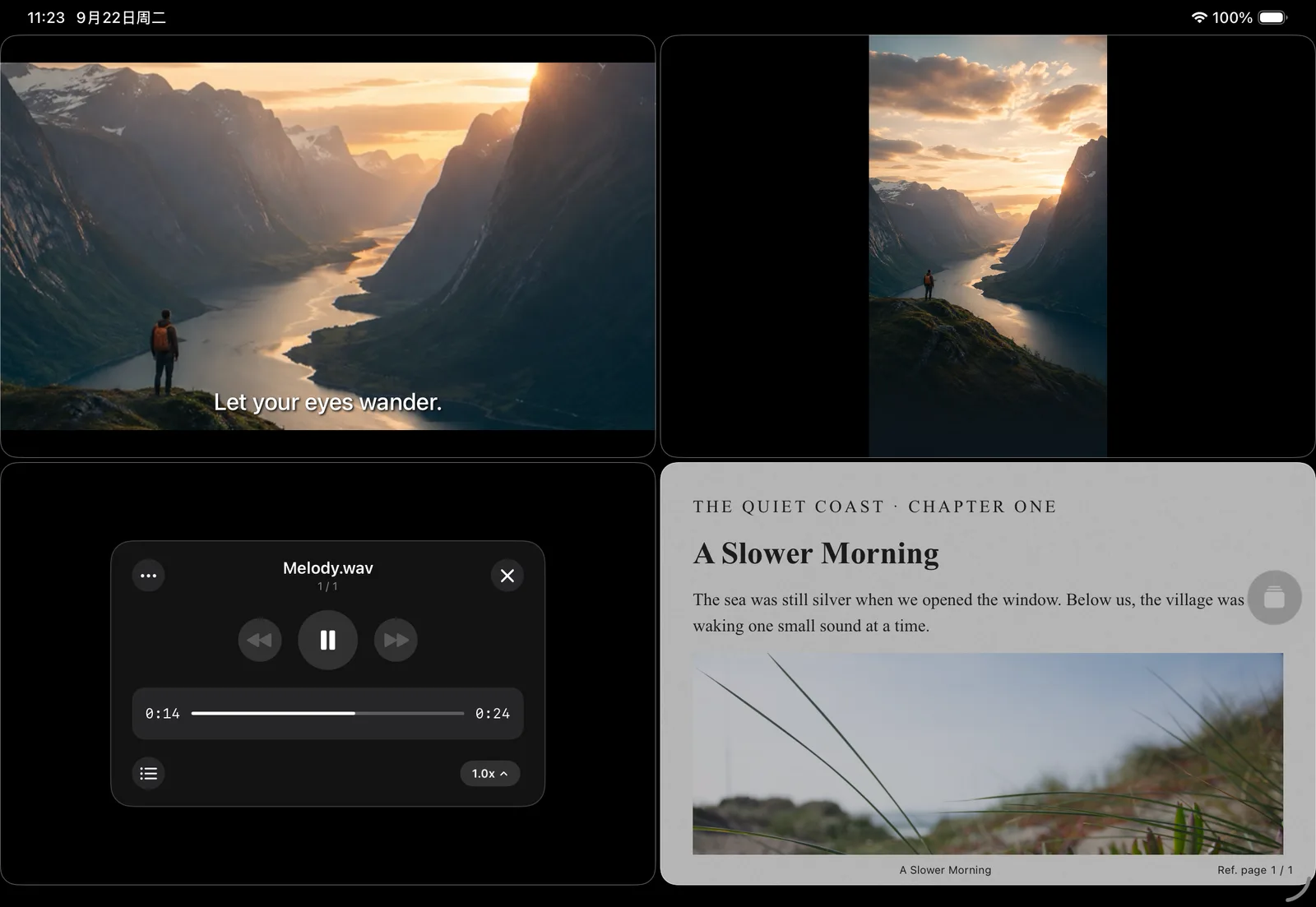
The iPad multitasking workspace
Browse files while playing or reading, with a place for each task.
Where to find it
iPad file browser and playback workspace
What you can do
Browse files while playing or reading, with a place for each task.
How to use it
- Open content on iPad and create playback or reading tasks.
- Keep opening content from the file browser, and switch or control it from the task list.
- Resize the window; the workspace adapts to available space.
Before you start
Display capacity depends on window width and height. Resizing does not proactively close existing tasks.