

Audio & video editing
Crop & trim video
Adjust the frame and clip length, then export as MP4 or MOV.
Where to find it
Tools → Video editor
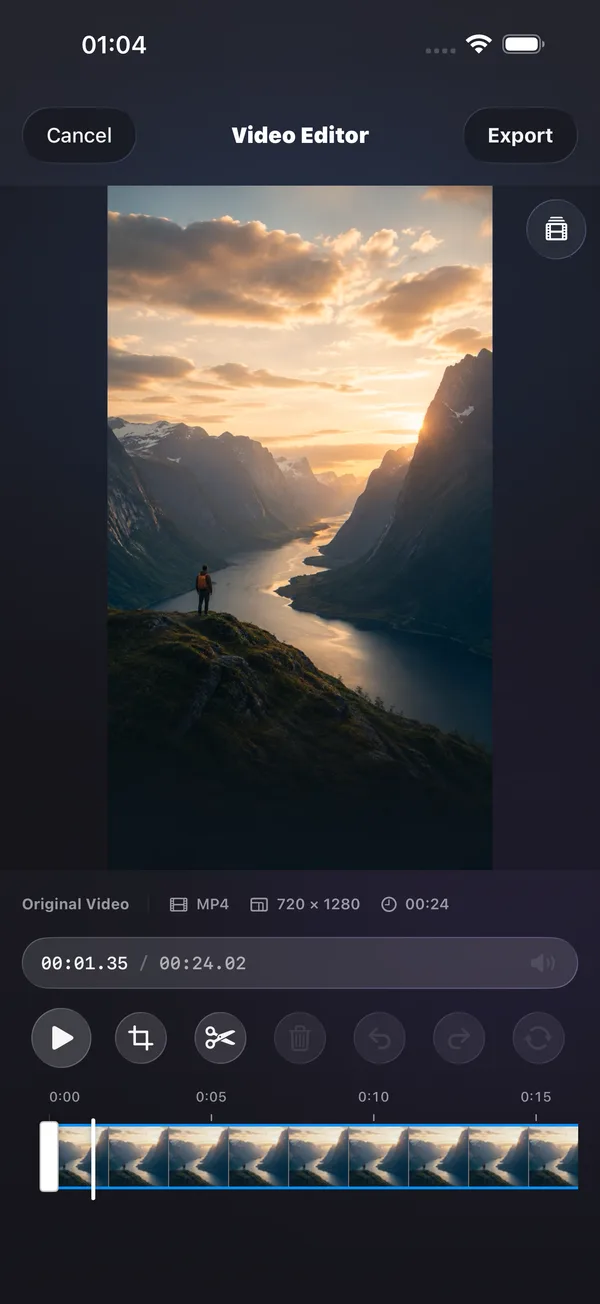
What you can do
Adjust the frame and clip length, then export as MP4 or MOV.
How to use it
- Open the video editor and import supported media.
- Adjust the frame crop and time range.
- Preview, choose an output format and folder, then export.
Before you start
The video editor performs its own source checks. Do not assume every format supported by the player is editable.