

Audio & video editing
Trim, split & join audio
Keep the parts you need and combine several clips into a new audio file.
Where to find it
Tools → Audio editor
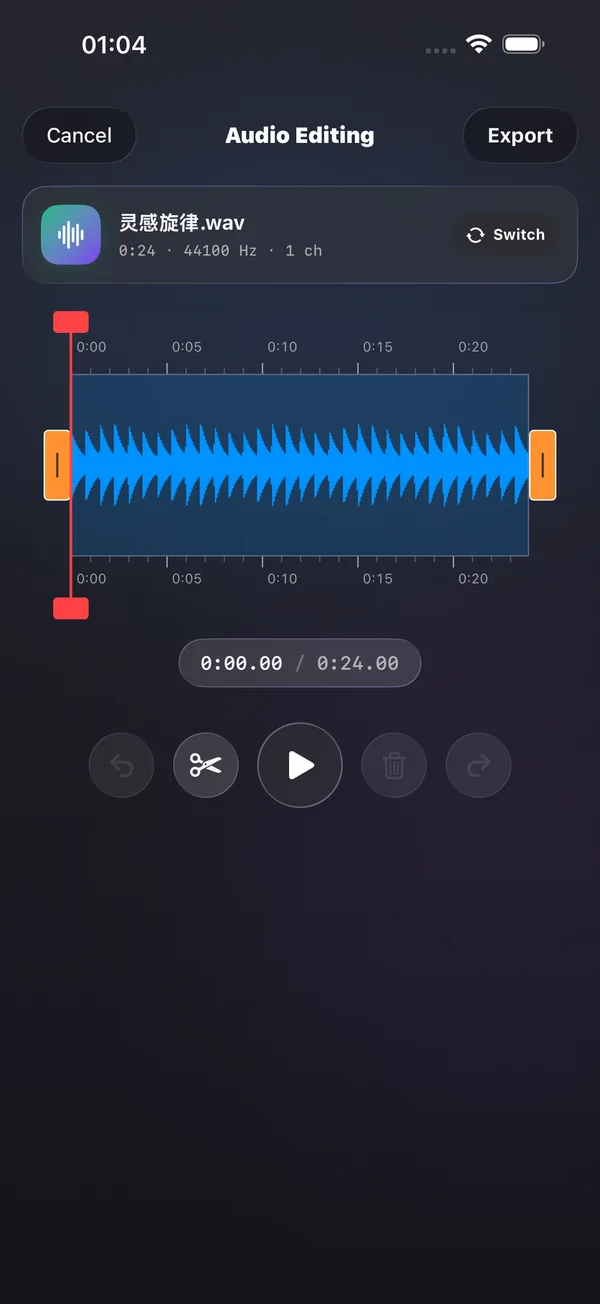
What you can do
Keep the parts you need and combine several clips into a new audio file.
How to use it
- Open the audio editor and import media.
- Adjust the time range and trim, split or join clips.
- Listen to the result, choose a format and export.
Before you start
The editor checks whether each source can be used. Its input support differs from the player’s.