

File organization
Manage Live Photos as a pair
Save, organize and transfer each photo together with its companion video.
Where to find it
Import from Photos / File list / Nearby transfer
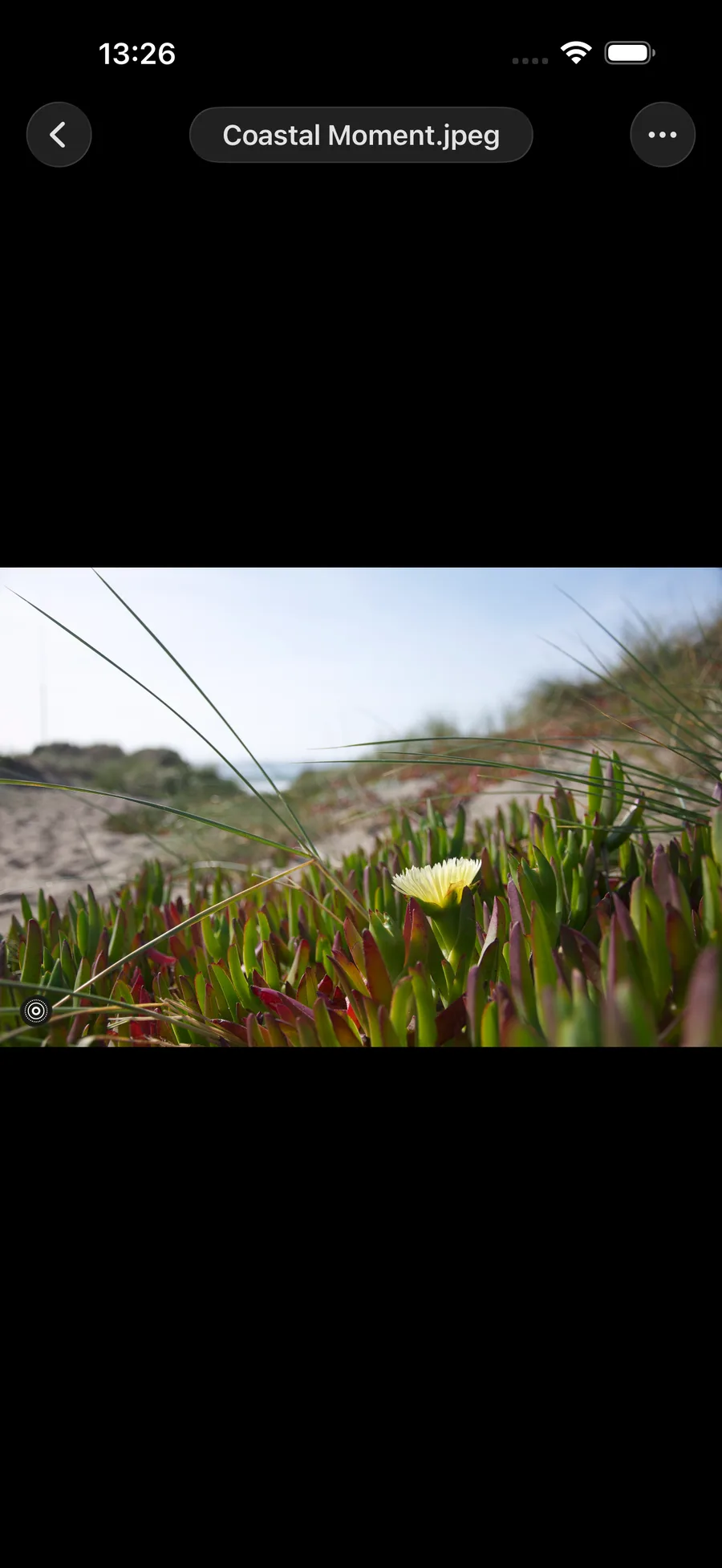

What you can do
Save, organize and transfer each photo together with its companion video.
How to use it
- Import a Live Photo from Photos.
- Browse it in the file list, or copy, move and rename it.
- Nearby transfer sends the photo and companion video together.
Before you start
Image editing produces a still image and does not preserve the Live effect. Supported media can be saved to Photos from the file menu.
Use Convert in the file menu to export a Live Photo as GIF or video; GIF can also become a Live Photo. See image format conversion.