

Books & documents
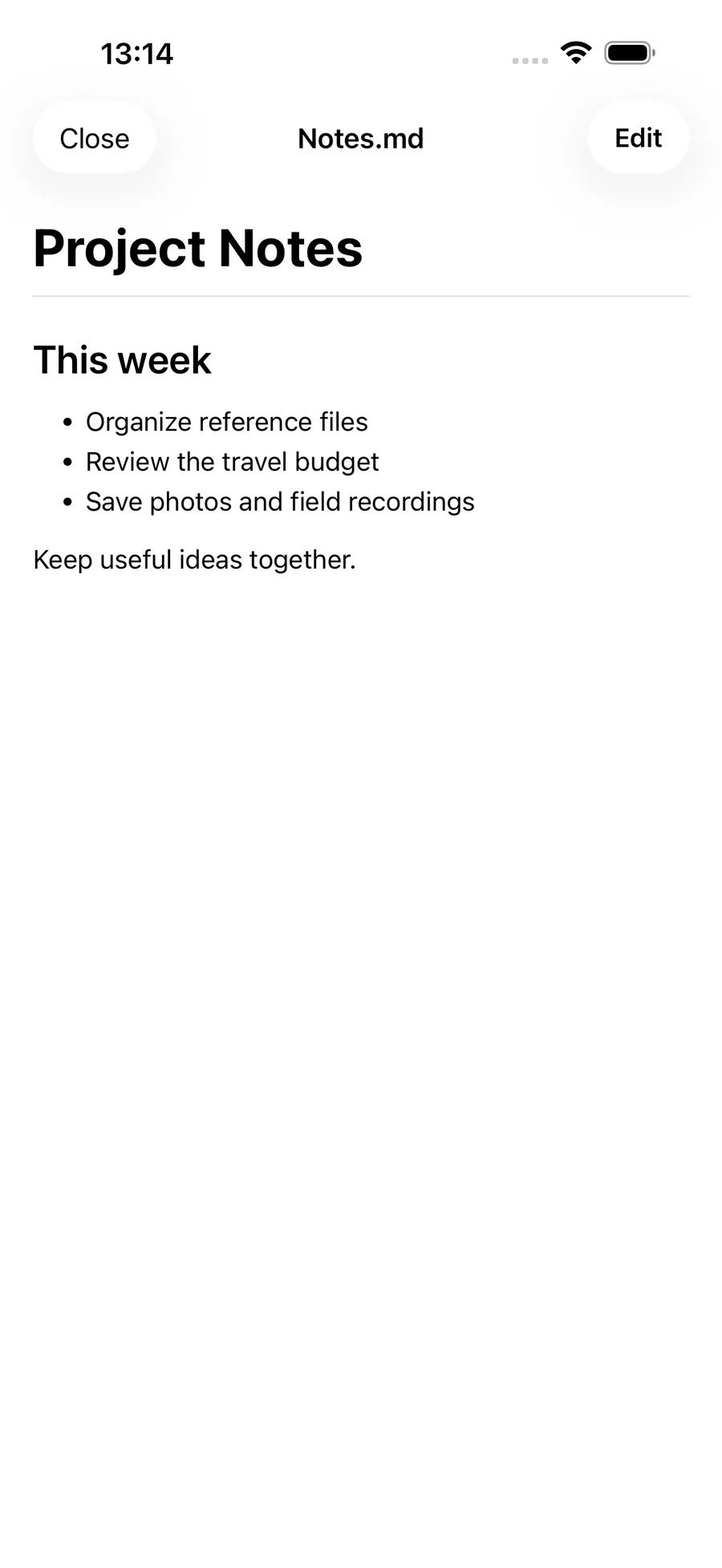
Text editing & Markdown preview
Create or edit text, adjust the editor display and preview Markdown.
Where to find it
File page → New text / Text file editing entry
What you can do
Create or edit text, adjust the editor display and preview Markdown.
How to use it
- Create a text file or open an existing file’s editor.
- Edit content and adjust text size, line spacing, wrapping and line numbers.
- Check the Markdown preview and save.
Before you start
Edit supported text in FileBox spaces, device folders and authorized iCloud folders. Markdown previews can show same-folder images within the authorized scope, preparing cloud images as needed. In-place iCloud text editing is limited to 20 MiB. If the original changes or access expires, the draft is kept and overwrite is refused. System upload and sync continue after a successful save. Keep a copy before changing existing content when needed.